- SUIE - Professional Self Order Kiosk, Self Checkout Kiosk And Self Payment Kiosk Manufacturer In China.
Language
With a little effort and the right knowledge, you can keep your self-order kiosks running like a well-oiled machine. Remember to prioritize daily maintenance, train your team effectively, and stay informed about the latest best practices. By doing so, you'll create a positive and efficient self-service experience for your customers, while reaping the many benefits of kiosk technology.
Self ordering kiosks are supposed to make life easier, right? But what happens when they break down, frustrate customers, and leave your staff scrambling? Don't let a faulty screen or a jammed card reader ruin your day (and your profits).
This guide is your one-stop shop for keeping your self ordering systems in tip-top shape. We'll cover everything from routine maintenance to troubleshooting common problems, so you can ensure smooth sailing for your business and happy customers.
Think of your self ordering kiosks like race cars. To keep them running smoothly, they need regular tune-ups. A little bit of daily maintenance can go a long way in preventing those frustrating (and costly!) breakdowns. Here's your daily checklist:
● Wipe Down Screens and Surfaces: Customers touch those screens a lot. Grime, fingerprints, and even food residue can build up, making the kiosk less appealing and potentially impacting its responsiveness. A quick wipe-down with a microfiber cloth and screen cleaner keeps things sanitary and looking sharp.
● Check Printers and Receipt Paper: No paper, no receipts. No receipts, no happy customers. Make sure your receipt printer is stocked and functioning correctly. A quick test print at the start of each day can save you headaches later.
● Inspect Card Readers: A malfunctioning card reader can bring your whole operation to a screeching halt. Gently clean the card reader and check for any obvious signs of damage. If something seems off, address it immediately.
● Test Peripherals: If your kiosk ordering systems have scanners, NFC readers, or other peripherals, give them a quick test. Make sure everything is connected, powered on, and working as expected.
● Software Updates: Just like your phone, your kiosks need software updates to stay in top form. Check for updates regularly and install them during off-peak hours to minimize disruption.
● Listen to Your Kiosks: Okay, they won't talk to you (yet!). But pay attention to any unusual noises, error messages, or slow performance. These can be early warning signs of a bigger problem.
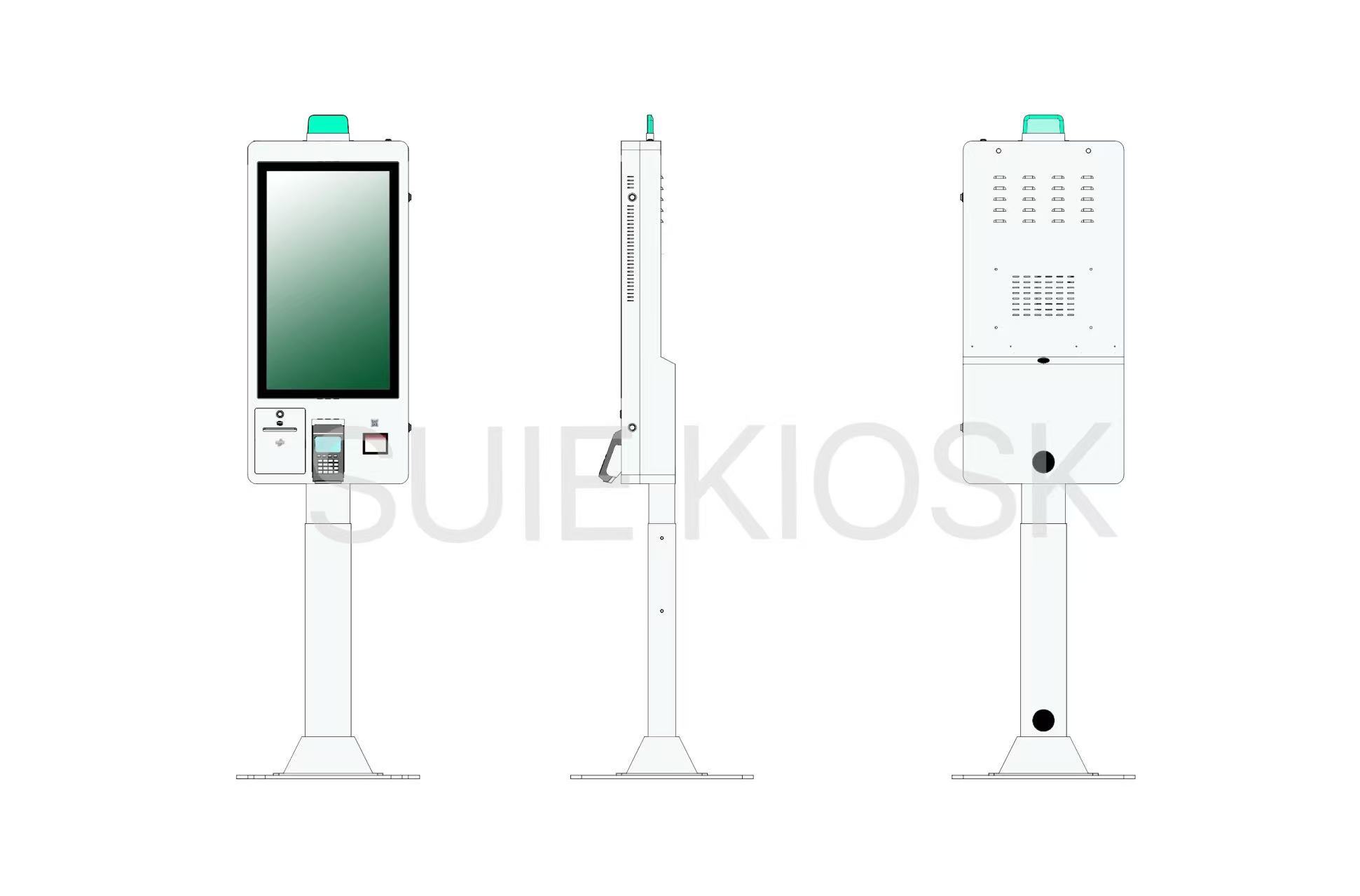
Even with the best preventative care, your self ordering systems might throw you a curveball now and then. But don't worry, most common problems are easily fixable. Here's a troubleshooting guide to help you get things back on track:
● Frozen Screen? Just like your phone or computer, sometimes a good old fashioned restart does the trick. Reboot the self order machine and see if that resolves the issue.
● Payment Problems? If customers are having trouble with payments, first check the obvious: is the card reader clean and functioning? Is the payment processing system online? If everything seems fine on your end, it might be an issue with the customer's card. Have them try another payment method or offer assistance.
● Printer Jams? Ah, the dreaded paper jam. Carefully remove the jammed paper, making sure no scraps are left behind. Check that you're using the correct type of paper and that it's loaded properly. If jams persist, it might be time to clean the printer or call in a technician.
● Unresponsive Touchscreen? A touchscreen that's not responding can be a real pain. Try recalibrating the screen or cleaning it thoroughly. If the problem persists, there might be an underlying hardware issue that requires professional attention.
● Error Messages? Don't ignore those error messages! They're trying to tell you something. Jot down the error code and consult the kiosk's user manual or contact customer support for guidance.
● Network Connectivity Issues? Kiosks rely on a stable internet connection. Check your network connection and ensure the kiosk is properly connected. If you're using Wi-Fi, try moving the kiosk closer to the router or switching to a wired connection.
Keeping your kiosks running smoothly involves more than just daily maintenance and troubleshooting. Here are some best practices to help you manage your self-service systems like a pro:
● Strategic Placement: Place your kiosks in high-traffic areas where customers can easily find and use them. Consider factors like visibility, accessibility, and proximity to other services.
● User-Friendly Interface: Your kiosk's interface should be intuitive and easy to navigate, even for first-time users. Use clear visuals, concise instructions, and a logical flow to guide customers through the ordering process. Don't forget accessibility features for users with disabilities!
● Regularly Review Data: Your kiosks are a goldmine of valuable data. Track usage patterns, popular items, and customer feedback to identify areas for improvement. Use this data to optimize your menu, promotions, and overall kiosk ordering system experience.
● Customer Support: Even with the best technology, some customers may need assistance. Provide clear instructions on how to get help, whether it's through an on-screen help button, a dedicated support line, or nearby staff members.
● Security First: Protect your kiosks and customer data with robust security measures. This includes physical security (like secure mounting and anti-tampering features), as well as software security (like password protection and encryption).
● Keep it Fresh: Regularly update your kiosk content to keep it engaging and relevant. This includes menu updates, promotional offers, and seasonal themes. A fresh look can entice customers and encourage repeat usage.
Your employees are the front line of your kiosk operation. Even though the self order machines are designed for self-service, your team needs to be knowledgeable and prepared to assist customers. Here's how to empower your staff:
● Kiosk Know-How: Make sure your team understands how the kiosk ordering systems work, inside and out. They should be able to answer basic questions, troubleshoot minor issues, and guide customers through the ordering process.
● Troubleshooting Training: Equip your team with the skills to handle common kiosk problems. Teach them how to restart the system, clear paper jams, and assist with payment issues. The more they can handle on their own, the less downtime you'll experience.
● Customer Service Skills: Even with kiosk ordering system, excellent customer service is crucial. Train your team to be approachable, helpful, and patient. They should be able to assist customers with a smile, even when things get hectic.
● Empowerment: Give your team the authority to resolve customer issues quickly and efficiently. Whether it's offering a discount, providing a replacement order, or simply offering a helping hand, empower your staff to make things right.
● Ongoing Support: Provide ongoing training and support to keep your team up-to-date on any changes or updates to the self ordering system. Regular refreshers can help reinforce best practices and ensure everyone is on the same page.
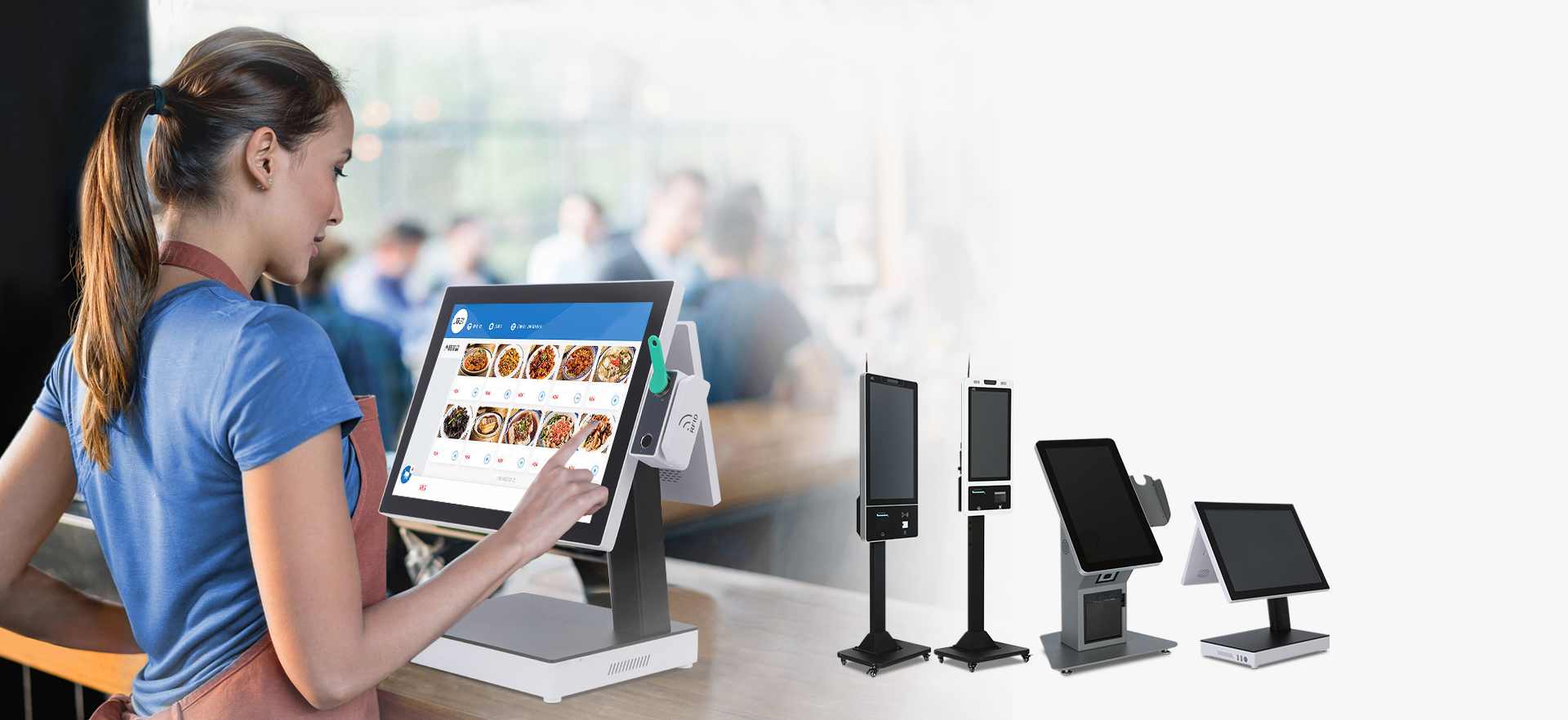
We've covered a lot of ground, but there's always more to learn! Here are some helpful resources to further your kiosk knowledge and ensure your self-service systems are always running smoothly:
● Your Kiosk Provider: Your kiosk provider is your first point of contact for support. They can provide detailed documentation, troubleshooting guides, and technical assistance. Don't hesitate to reach out to them with any questions or concerns.
● Online Forums and Communities: Connect with other kiosk users and industry professionals in online forums and communities. Share your experiences, ask questions, and learn from others who have faced similar challenges.
● Industry Publications and Websites: Stay up-to-date on the latest kiosk trends, technologies, and best practices by reading industry publications and websites. These resources can provide valuable insights and keep you ahead of the curve.
● Kiosk Management Software: Consider investing in kiosk management software to streamline your operations and gain valuable insights into self ordering system performance. These tools can help you manage updates, track usage data, and remotely troubleshoot issues.
● Sui World: For comprehensive solutions and expert advice on self order machines, visit Sui World. We offer a wide range of self order machines, software, and services to help businesses of all sizes succeed with self-service technology.
With a little effort and the right knowledge, you can keep your self ordering kiosks running like a well-oiled machine. Remember to prioritize daily maintenance, train your team effectively, and stay informed about the latest best practices. By doing so, you'll create a positive and efficient self-service experience for your customers, while reaping the many benefits of kiosk technology.